 |
|
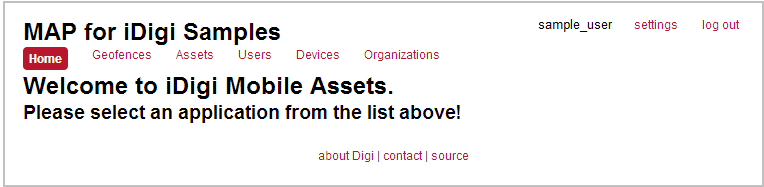
Register your Mobile Tracker Device with MAP using Sample AppsThis section will guide you through the process of registering your mobile tracker device with MAP using sample apps. To do so, first navigate to digi-ma.appspot.com and sign in with your user credentials. The MAP for iDigi Samples Home page will be displayed. Within this page you will:
To begin registering your mobile tracker device with MAP using sample apps, proceed to the Provision a New Device section. Back to Step 3 | Move to Provision a New Device
|
|
 |
|