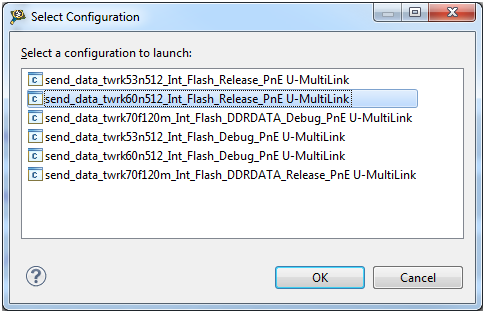
 ) and then double-click your Tower Kit Launch configuration in the pop up menu:
There are several ways to launch a debug configuration. The fastest is to click on the bug icon () and then double-click your Tower Kit Launch configuration in the pop up menu:
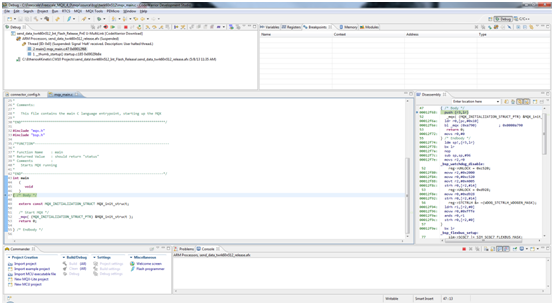
While the download takes place CodeWarrior will automatically switch to the Debug perspective. Once the download is complete, you will see a screen similar to the following:
Debug in the same manner as any other CodeWarrior project: insert breakpoints, watch variables and everything that the IDE offers to you. Consult CodeWarrior's Help to learn more on how to use debugging features.