Testing Asynchronous ports with hyperterminal under Windows NT, 2000 and XP
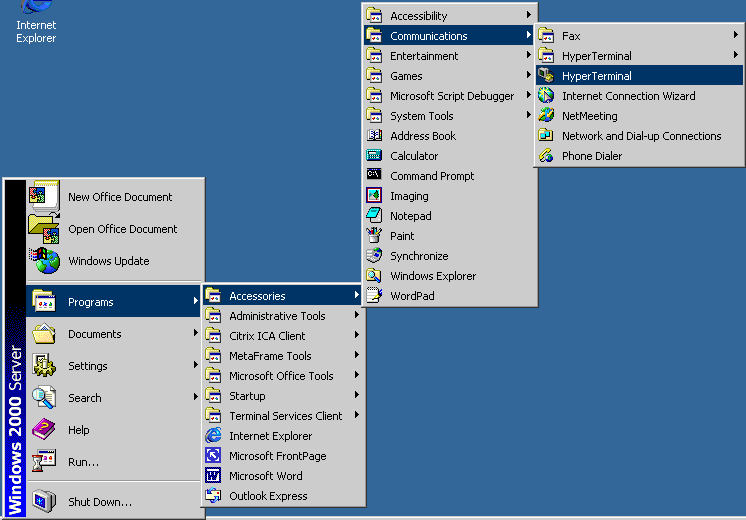
1. Choose Start > Accessories > Communications > Hyperterminal
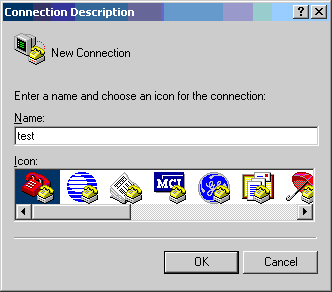
2. Type in a name, and choose an icon. It really doesn't matter what you choose for either. Choose OK when finished.
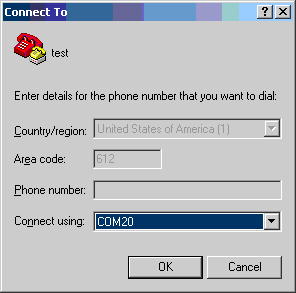
3. In the Connect using drop down box, choose the com port you wish to test. DO NOT SELECT THE MODEM DEVICE (we don't want to test using TAPI). Choose OK when finished.
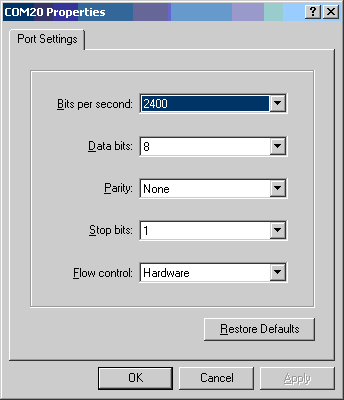
4. Choose the defaults for all port properties. Choose OK.
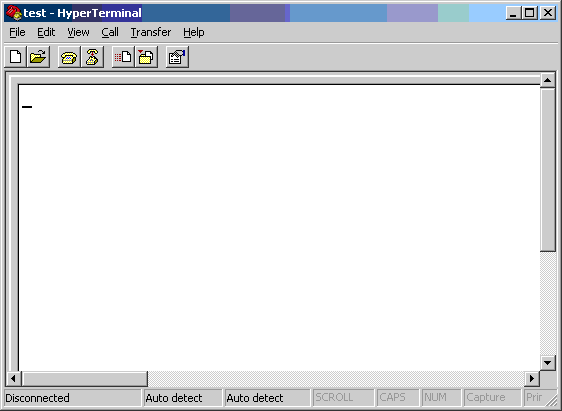
5. You should now see a blinking cursor on the main Hyperterminal screen. If you get a "Unable to open comX" message, this means the port is already open, make sure all applications that might be accessing the port are closed, or their services have been stopped (faxing applications, RAS, Citrix MetaFrame, etc.). For example, if you have RRAS running, it holds the com ports and will not release them to Hyperterminal unless the service is stopped. Until we can get into the blank screen, we will not be able to do any testing.
6. Make sure you have a Digi loopback adapter plugged into whichever port you decided to test. You can see the pinouts for the loopback here. The loopback plug ships with all Digi Asynchronous boards. They are small db-25 plugs with no cable, or small RJ-45 connectors with no cable.
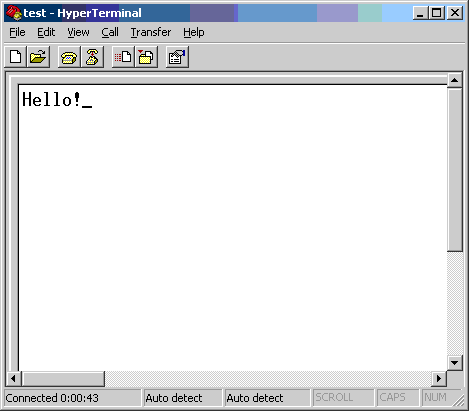
7. Type Hello! on the Hyperterminal screen. These
characters should appear as you type them. The loopback crosses the TxD
and RxD
signal so this would confirm that you are getting in and out
the serial port. You should now be able to communicate to your
device. If not,
verify your cabling.
NOTE: If you do not have a loopback, but do have a
modem, provided the cabling is correct, you can use the following test (see step
8).
8. If you can see the characters you typed in step 7
above, you can verify a modem connection to see if it will respond
to AT commands.
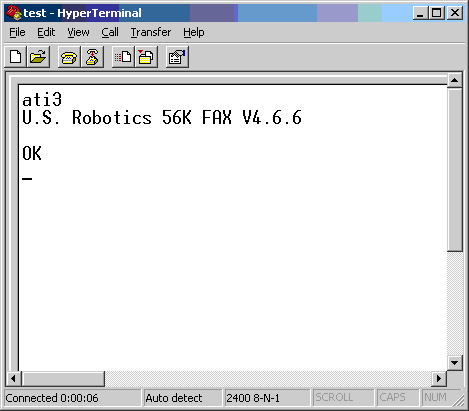
Make sure your modem is set to properly echo and respond to
commands. Let's try an ATI3 command, you should see a response
reporting
the modems firmware version.
9. If the Digi is echoes commands with a loopback and/or AT commands with a modem, it's working properly.