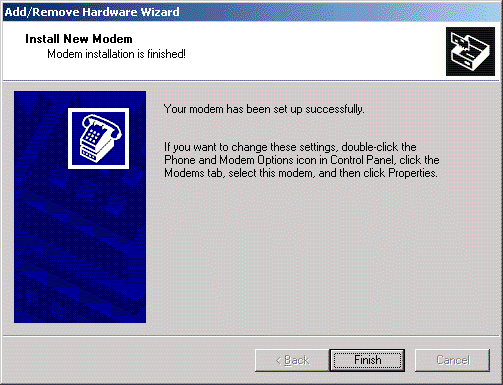
1. Choose Start > Settings > Control Panel > Phone and Modem Options.
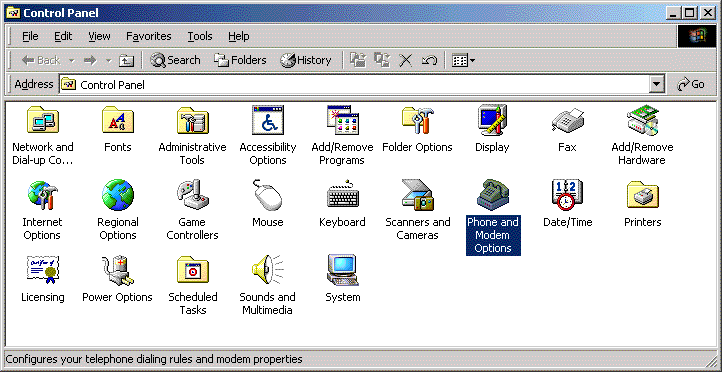
2. Choose the Modems Tab.
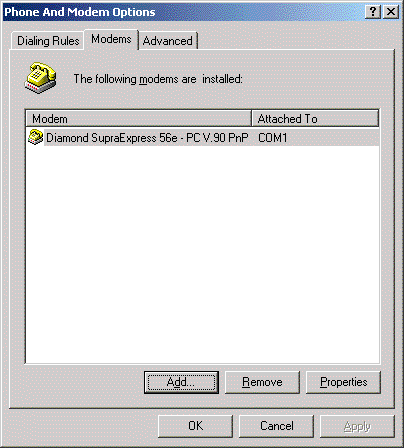
3. Choose Add. We want to make sure that Windows is
at least able to see a Standard Modem.
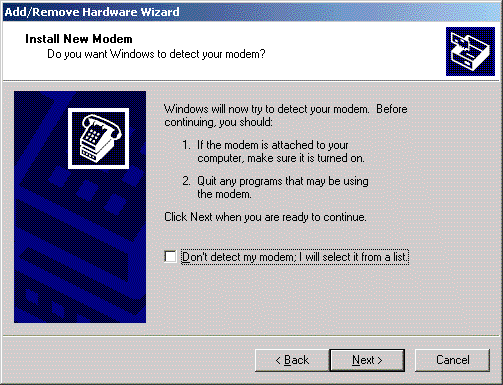
4. Choose the port you wish to search for a modem.
This can be any of the ports that currently have modems attached and powered on.
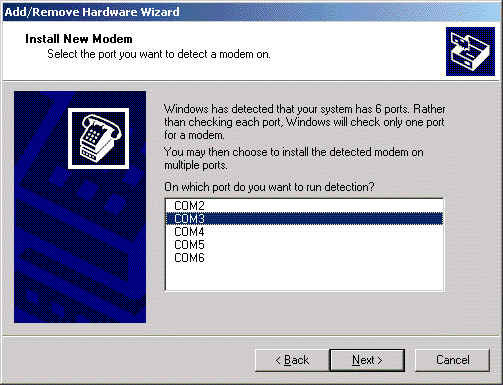
5. Choose Next. Widows should now detect any modem
attached to the port. After it has, choose Finish.
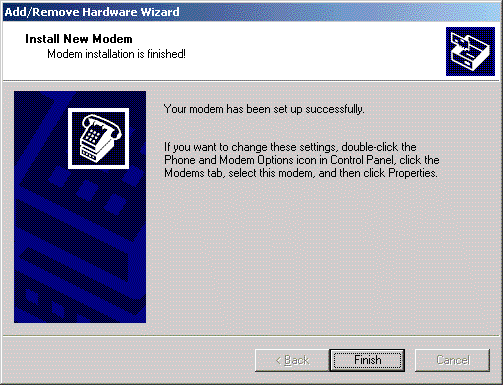
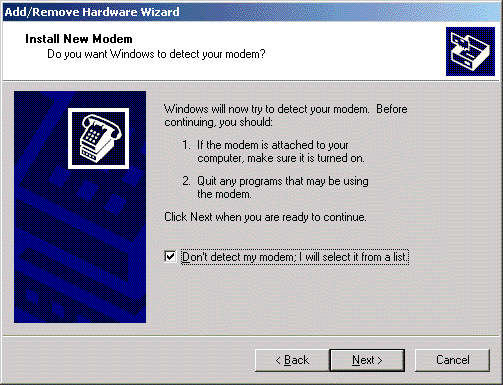
6. After we're sure that Windows can see a modem on the
port, you can go back and run the install again, but this time choose Don't detect my modem, I will select it from a
list.
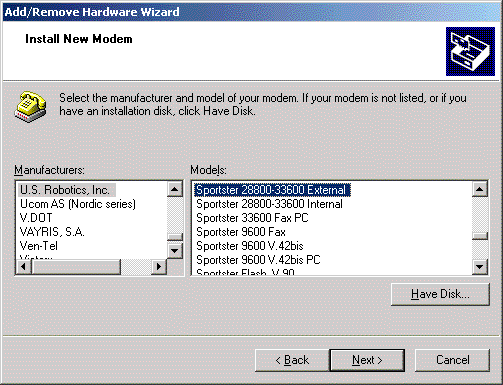
7. Select your particular modem. If you have a
Datafire RAS card, you will select Digi RAS 56k modem.
8. Choose Next. Choose the ports that the modem you
select above is physically installed on.
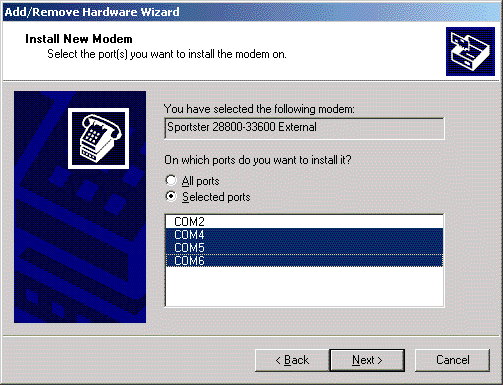
9. Choose Next. Windows will now install the modems
on all selected port. Choose Finish when done.