Terminal Server Configuration Using RealPort
Introduction
In this example, the Digi device is simply providing ports for the LAN-based host using RealPort. The
Digi device configuration is exceedingly simple because port attributes are configured on the host itself.
Illustration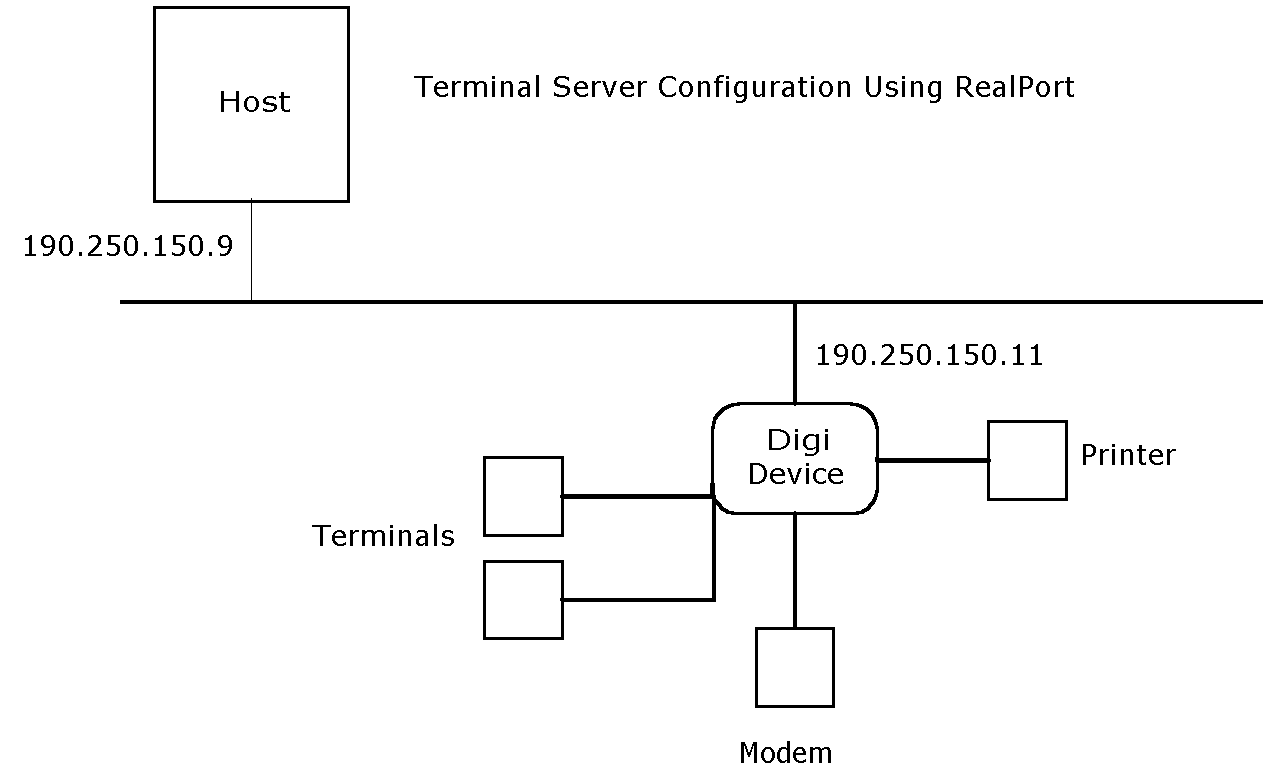
Configuration
set config ip=190.250.150.11 realport=771


 set ports range=* dev=rp
Configuration Notes
-
The set config command configures the internet address and mask for the Ethernet interface and configures the RealPort TCP port (realport=771).
-
The set ports command configures all ports for Realport. This command specifies dev=rp, which is an appropriate device type for RealPort.
-
If the dev=rp option is not available in your version of the firmware, either upgrade the firmware or use dev=prn.